
The Perfect vs. The Practical: Balancing Pixel-Perfect Design with Real-World Constraints
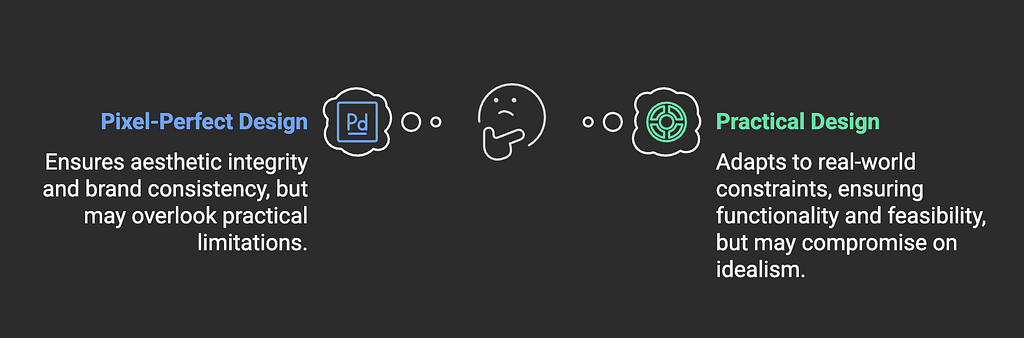
In my first year as a product designer in a real team and not as a freelancer, I spent hours perfecting complex animations and “Pixel Perfect design”. However, during implementation, our frontend developer explained that most of the animations I had done would cause significant performance issues on lower-end devices and potentially impact our core web vitals scores.
This brought a lot of friction between them and me. I assumed they could find a way around it, it was their job after all. It was a new role and hey, I was trying to impress okay?
Fast-forward: The designs were implemented flawlessly, but our analytics showed that 30% of our users were on older browsers or devices that either couldn’t support these features or would render them poorly. Based on user feedback, we had to iterate on the original work, ultimately landing on a simpler solution that worked consistently across all platforms rather than an original one that worked for only some users.
”Perfect” is not always “Good”
The concept of “Perfect” design as compared to “Practical” is the reason why many products have been launched and failed. The gap between a design vision and implementation reality is too wide for you as a designer to be obstinate.
How do you find a balance? Identify what’s worth fighting for and what to let go of. Sometimes our pursuit of aesthetic perfection can inadvertently work against user needs. Users often prefer straightforward, familiar patterns over innovative but complex designs. Simple form layouts, clear navigation hierarchies, and standard interaction patterns reduce cognitive load and improve task completion rates.
Trade-offs
Identifying what’s worth fighting for requires a systematic evaluation approach. Start by categorizing design elements into “must-haves” versus “nice-to-haves” using criteria like user impact, development effort, and business values.
Before advocating for pixel-perfect implementation, ask critical questions:
- Will this design detail measurably improve user experience?
- Is the development time justified by the impact?
- Does it affect core functionality or just aesthetic preference?
For example, consistent spacing in a form layout directly impacts usability and should be prioritized over a complex hover animation.
Document it all
Documentation and communication are crucial for successful implementation. Create detailed design specifications that include acceptable ranges for spacing, interaction states, and responsive behaviours rather than single fixed values. Maintain a living document of design decisions that includes the rationale behind compromises and technical limitations encountered.
The collaboration power
Building strong relationships with developers early in the process is essential, and I wish I had understood this earlier. Schedule regular design-dev syncs to discuss technical feasibility before finalizing designs. This proactive approach helps identify potential issues early, reducing the need for major design revisions during development.
Be Pragmatic
The journey from pixel-perfect mockups to practical implementation is a fundamental growth experience for every product designer. Understanding technical constraints, business requirements, and user needs doesn’t limit creativity — it enhances it by providing clear boundaries within which to innovate.
The most valuable skill isn’t creating perfect designs, but rather knowing how to make strategic compromises that serve both users and business goals effectively. Success in product design isn’t measured by how closely the final product matches the mockup, but by how well it solves real user problems while meeting business objectives.
As you progress in your career, you’ll find that the ability to balance these competing needs becomes as crucial as your design skills themselves.
Remember
The best designs aren’t just beautiful — they’re buildable, maintainable, and most importantly, useful.